Inventory Format Template (Excel Word) – Editable & Free Download
What is Inventory?
Materials, items, or goods that a business keeps for sale, manufacturing products, or use for daily operations are called inventory or stock. Multiple businesses have different types of inventory, like some businesses have raw materials, some have finished good and work in progress. In inventory pay vital role for any type of business. If you have inventory meet customer demand on time, improves and supports business operation, cash flow management, and prevents shortage or overstocking.

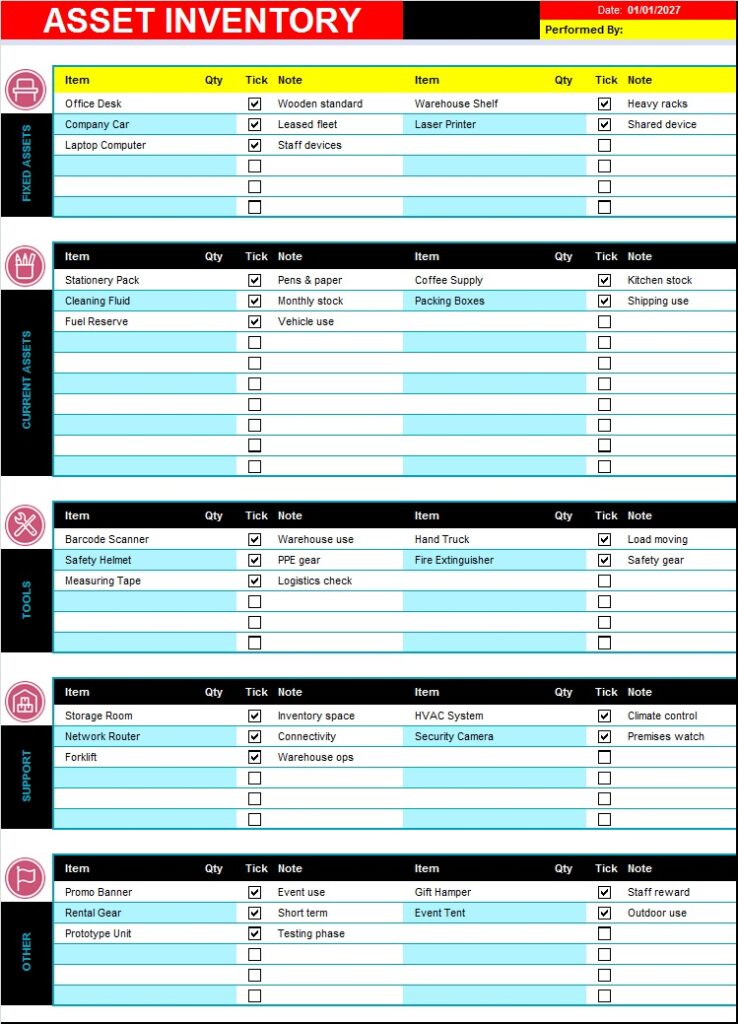
What & Why is an Inventory Format Template Important?
What is an inventory template? An inventory template is an MS Excel or MS Word structured or organized document used track, record, and manage stock items. It helps keep business accurate records of items, stock movement and current balances means opening stock balance, current purchase, issue items and closing stock. An inventory format helps you identify stock shortages, overstocking, accurate financial records, track item usage and sales and improve or support business efficiency.
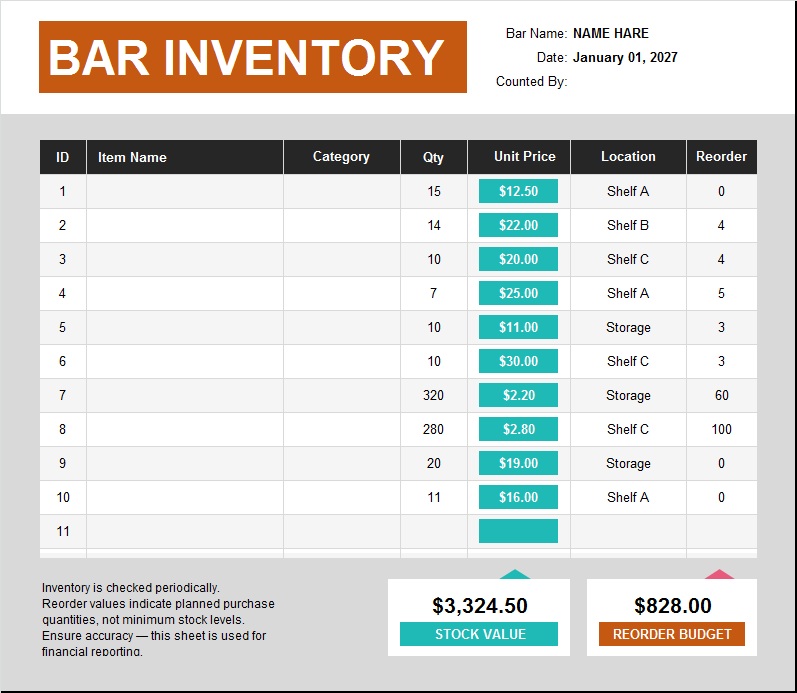
Benefits Inventory Format in MS Excel:
- Simple & Understandable
- Easy sorting & filtering
- Daily, Weekly, Monthly & Yearly tracking items
- Automatic calculations
- Easy, editable and printable reports
Save A Lot Of Your Time With Our Free Inventory List Samples:
You can be an employee or an owner. In all cases, you need to make several reports, lists, agreements and reports daily. Making these report are not only exceptionally time consuming bit also very tiring. You can choose from our best Inventory Templates what you like the most. Download the template design free from the links given below each template. All the template designs are free and prepared in MS Excel.
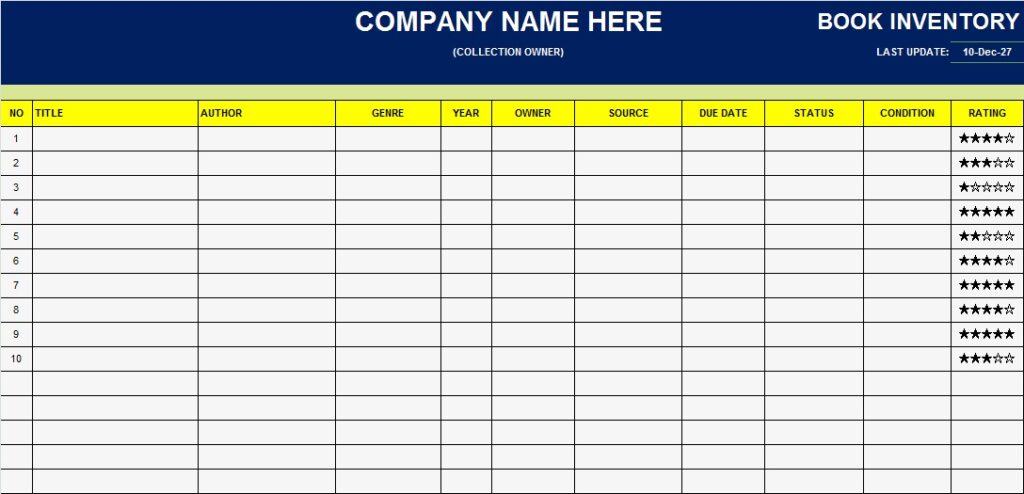
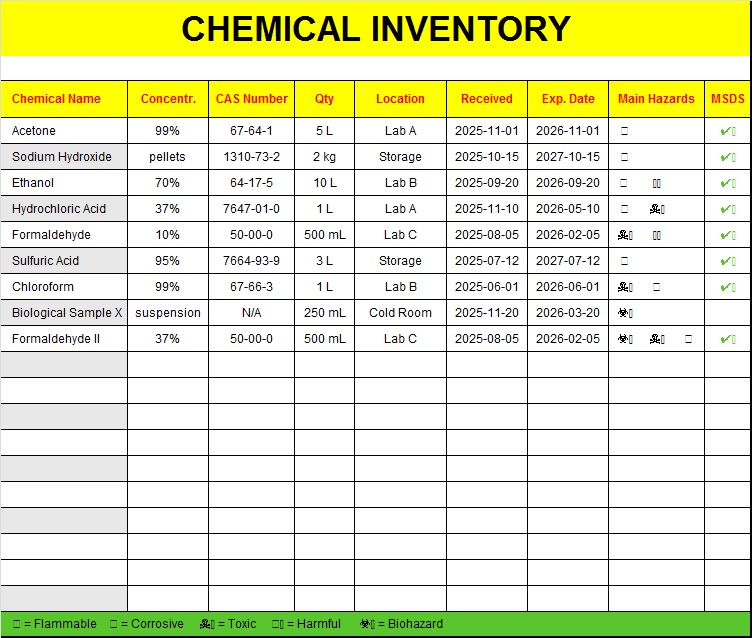
How to Use Inventory Format & Who Can Use This?
- Make a list of all inventory items
- Assign unique numbers or item codes
- Update stock daily basis
- Regularly check and verify inventory daily, weekly, or monthly
- Keep backup copies along with hard copies record
Use of inventory Template, small business owners, shopkeepers, warehouse managers, office administration, medical stores and school colleges, etc.
Types of Inventory Format Template:
Inventory format needs vary widely depending on the type of items and the scale of the business. We’ve listed the most popular types of templates used to track inventory format and manage stock more efficiently.
- Asset Inventory Format Template
- M.R.O Inventory Template
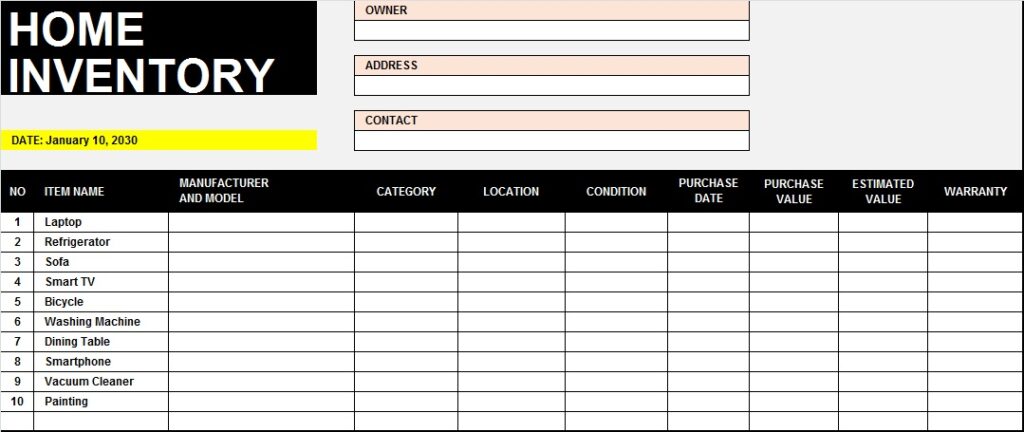
- Home Inventory Format Template
- Simple List of Inventory Template
- Equipment Inventory Template
- Food Inventory Format Template
- Office Supplies Stock Format Template
- Food Inventory Template
All the above inventory formats given here, you can use these formats free of cost.
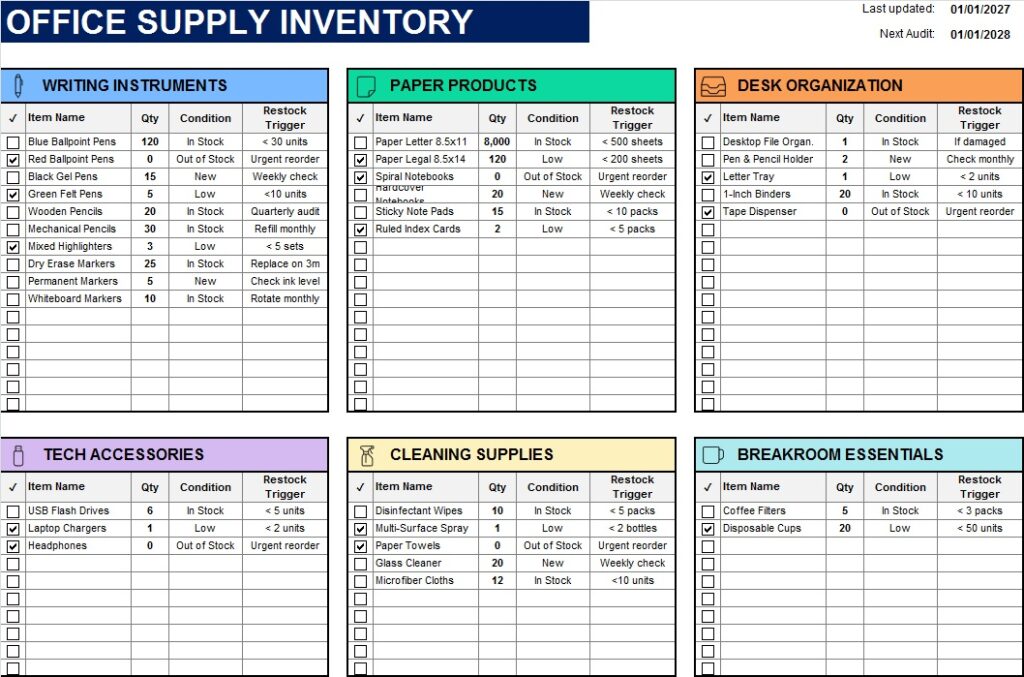
How To Edit And Customize Inventory List Templates?
You can download this template from the link given below. Make sure to have MS Office installed on your system. Open it in Excel. Add in your data. Make some necessary changes like the name, address, or contact information. We offer free templates, including Excel, Word, and industry-specific formats, that you can download and customize instantly. And your perfect, unique Inventory Format Template is ready!

Creating an Inventory Format Template on your own:
Below is the step-by-step process for creating your own Inventory Format.
- Start by Identifying Your Inventory Format Types (Food, Raw material, etc)
- Choose Your Platform for Inventory Format ( Excel, Word, or Sheets)
- Define Inventory Format: the Core Fields ( All details of stock)
- Build an Inventory Format Tracker Section by colors
- Organize Your Inventory Format Workflow
- Inventory Format Customize for Your Business
- Test the Inventory Format Template With Real Inventory Items
- Share Inventory Format With Team Members
- Inventory Format Review and Update Regularly