Free Business Expense Report Template | Excel, Word & PDF
Download our free business expense report template to track employee expenses, business purchases, mileage, receipts, and reimbursements. Available in easy-to-use formats for small businesses and teams.
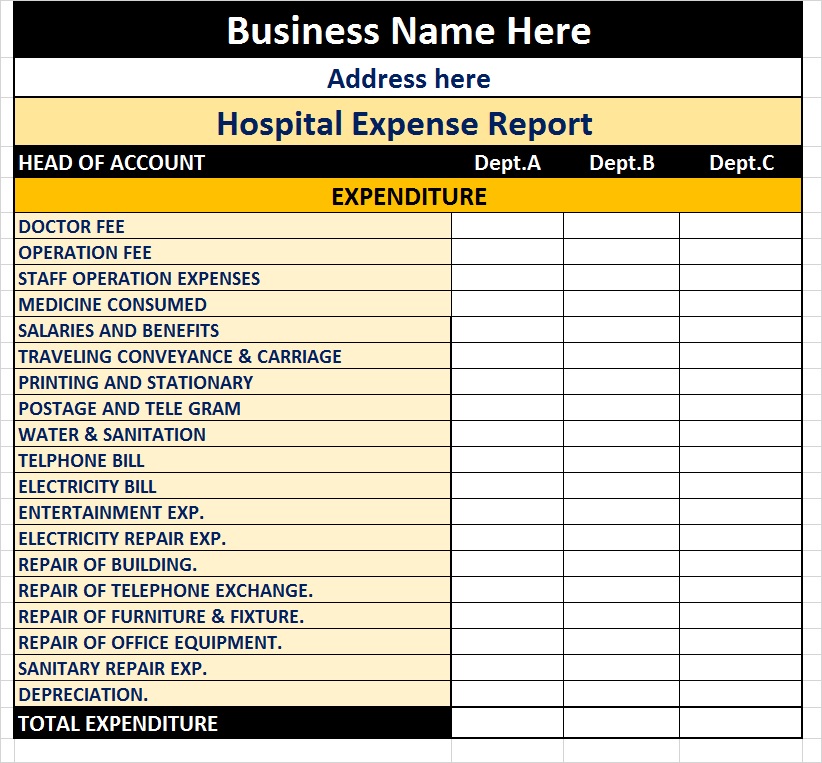
In any expense report, we record all the money spent on purchasing, selling, or any transaction used. It includes the necessary details of all the money paid to, the vendor or buyer’s information, the amount and how it was transacted, etc. You might need to include receipts and forms etc if it is required by the owner. Below you can download our collection of the best free Business Expense Report Templates created in Microsoft Excel.
What’s Included in the Business Expense Report Template?
Explain the fields in the template, for example:
- Employee name
- Department
- Report period
- Expense date
- Expense category
- Description
- Payment method
- Amount
- Tax
- Receipt/reference number
- Total expenses
- Reimbursement amount
- Approval/signature
Free Business Expense Report Templates:

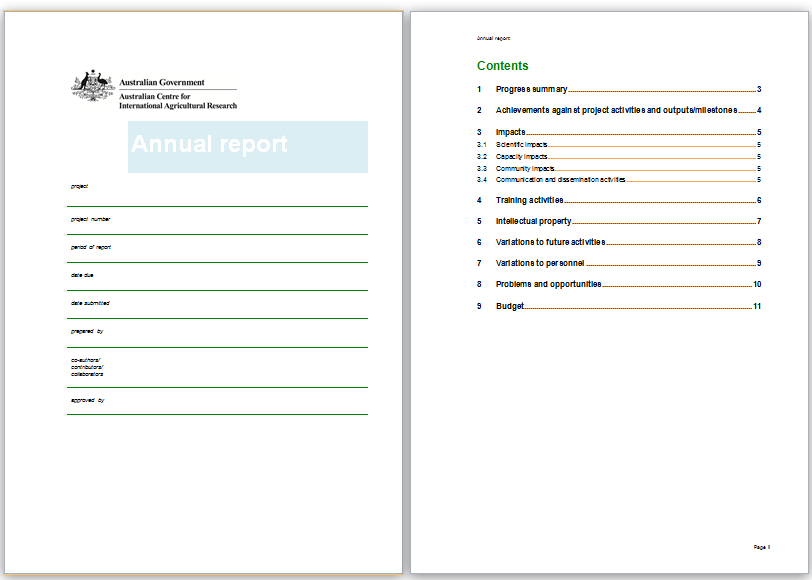
Travel Expense Report Template:
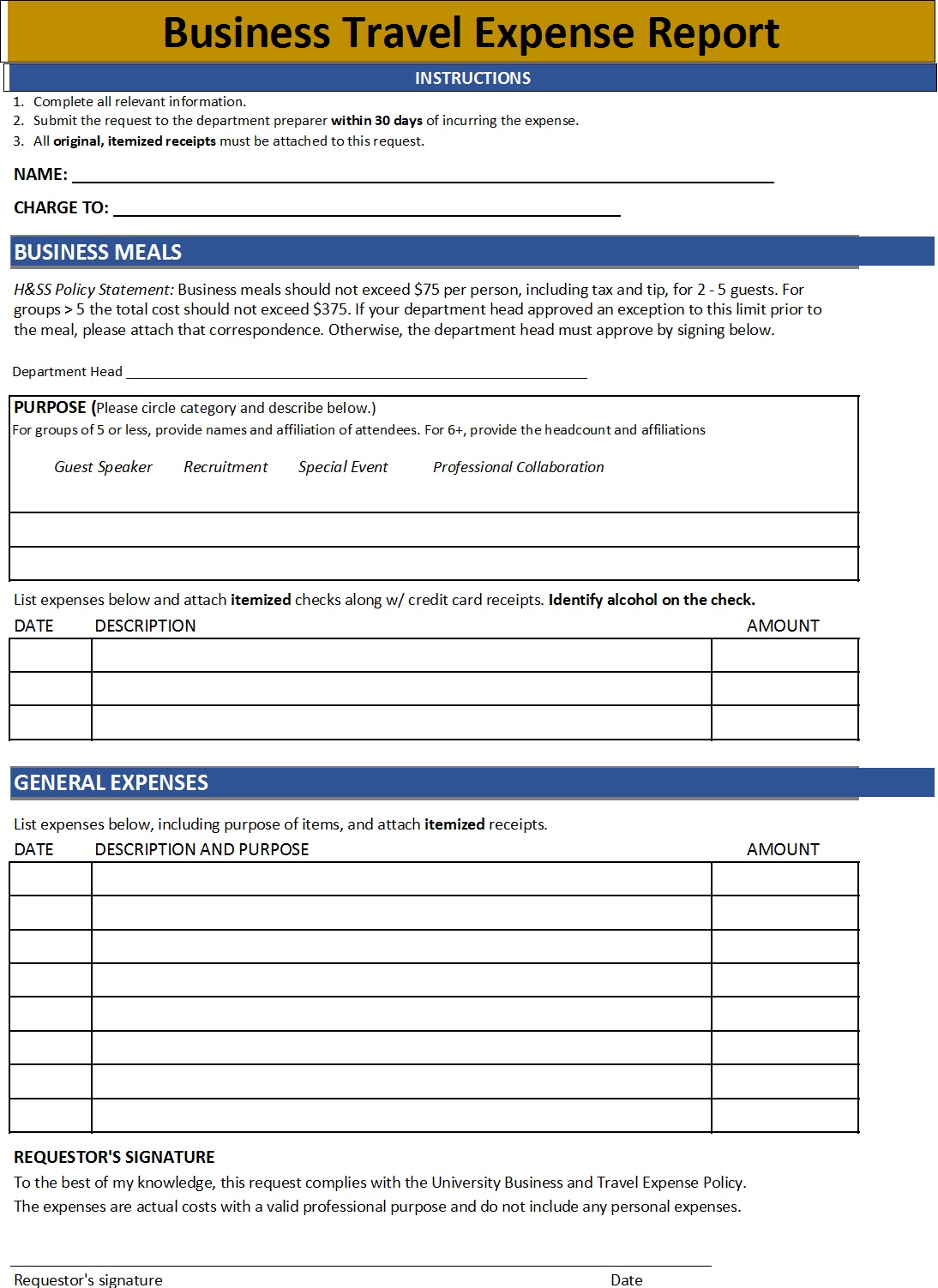
Business Expense Report Template (For Employees):
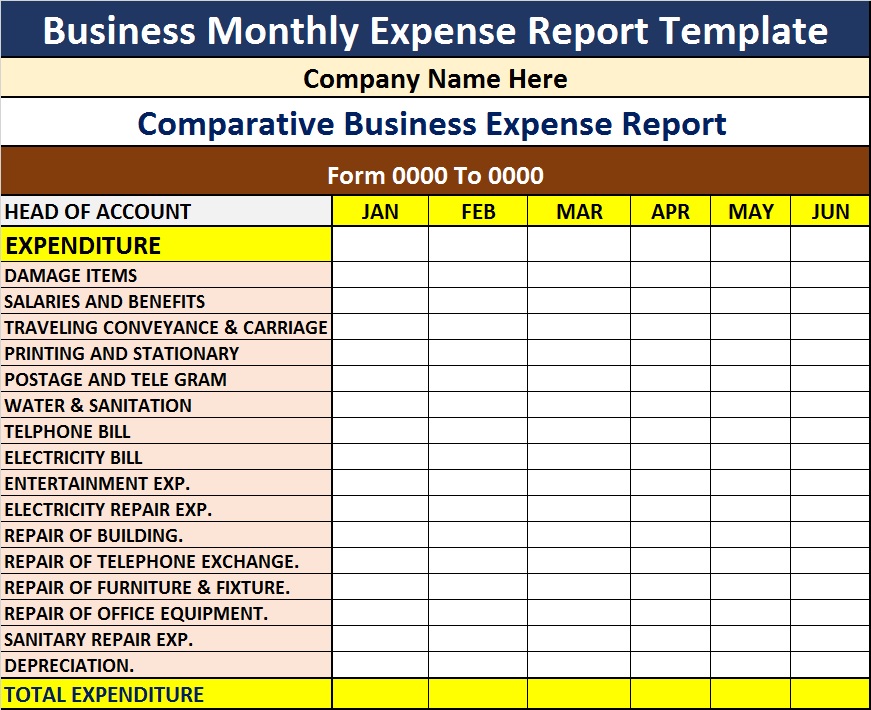
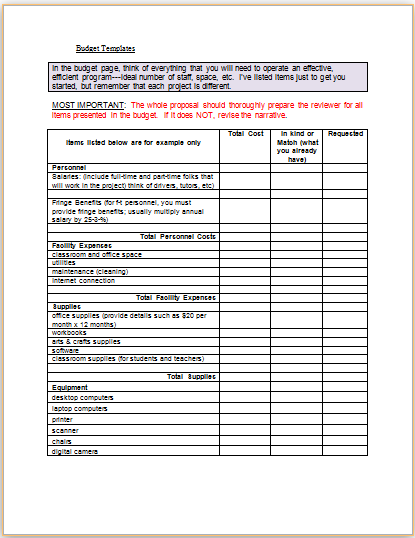
Small Business Expense Estimate Sample:
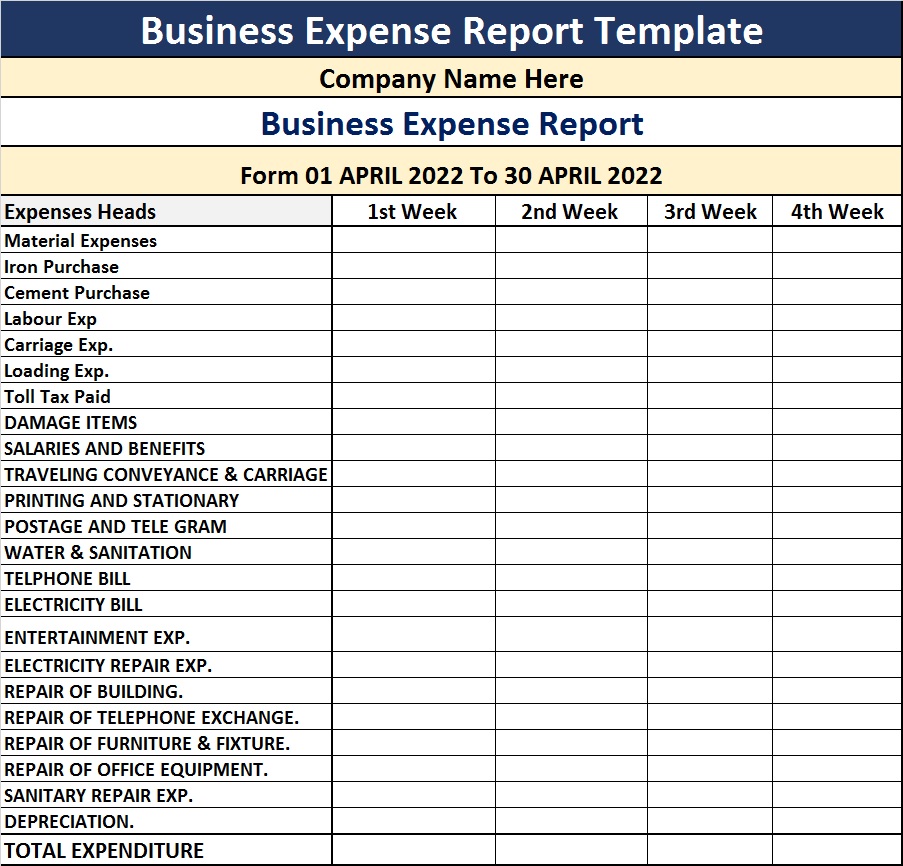
Make Your Expense Report In Less Than 5 Minutes…!
As a professional businessman or consultant, you may have to make and keep a record of several reports, lists, agreements, etc. You may have to do it on a yearly monthly or daily basis. At Free Report Templates we strive hard to help you work sustainably and smartly. Our report, lists, agreement, etc templates are created by professionals to help you make your flawless report in no time. You can save your day and make as much product as you want.
How To Edit And Customize Free Business Expense Report Template
Our team makes sure that all the templates in Free Report Templates are user-friendly. You do not need any special skills, techniques, or time to customize our templates. Download the template from the link given below for each template design. Open the .zip file after unzipping it. Make sure to have Microsoft Office installed in your system to work with most of our templates. Edit it and add in your data… and you are done!