Timesheet Templates Daily, Weekly & Monthly Forms
Are you working for a multinational company with staff? Are you facing problems with keeping records of each employee? Is it becoming complicated to keep track of each employee’s activity and performance? Are you looking for a free solution? We have these Free Timesheet Templates for you. Having a good timesheet increases your Human Resources department’s efficiency and performance. Excel Sheet Templates.
One of the main benefits of our Timesheet Templates is that you can record the time an employee has worked, any extra hours, or any deductions that you need to make. And you can keep a record of each employee separately. Are you looking for Free Timetable Template?
Free Timesheet Templates:
Below we have created many Timesheet Templates for you, as they may vary according to your requirements. Some Timesheet focuses more on the attendance of the employees while others offer multiple purposes like hours of services, locations of services, any damages made or cause of damages, etc.
Tips On Editing Timesheet Template:
Choose the free template designs from below. Download it for free by clicking the button given below each template. All the template samples are created in Microsoft Excel. So you can work with them with ease. Because we always encourage and recommend making small changes to our template in order to customize it. Change the color theme may be or replace the title etc. It will help to make your content absolute and unique.
Below you can find Free Timesheet Templates:

Common Types of Timesheet Templates
There are several types of timesheet templates, and each is designed for a specific purpose. See also Employee Time Card Template.
Daily Timesheet
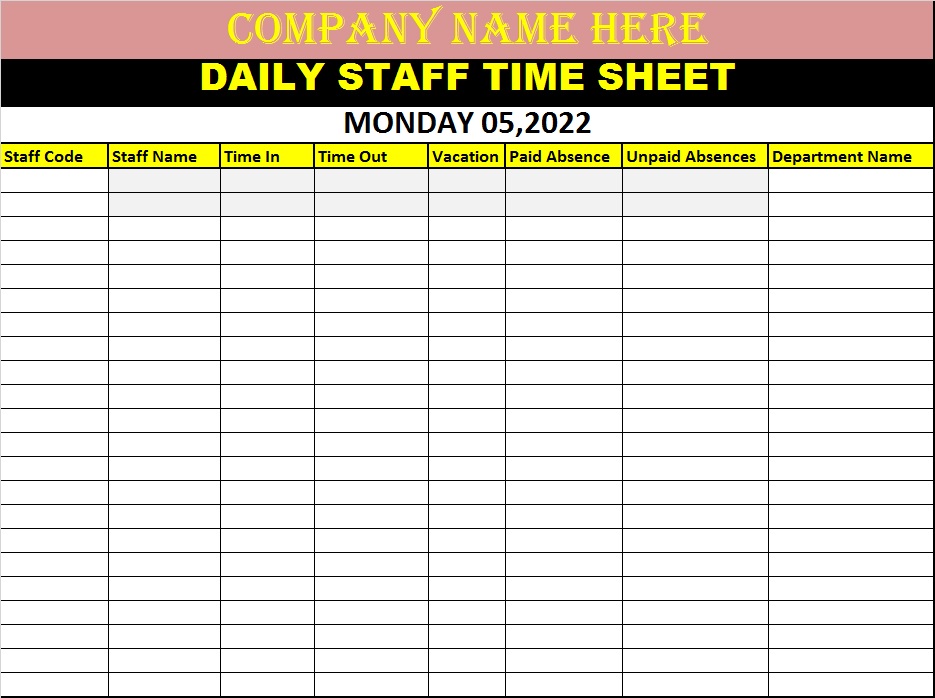
A daily timesheet is suitable for employees who need to record their activities throughout each working day. It may include start time, end time, breaks, tasks completed, and total hours.
This format is useful when employees work on several different tasks during a single day.
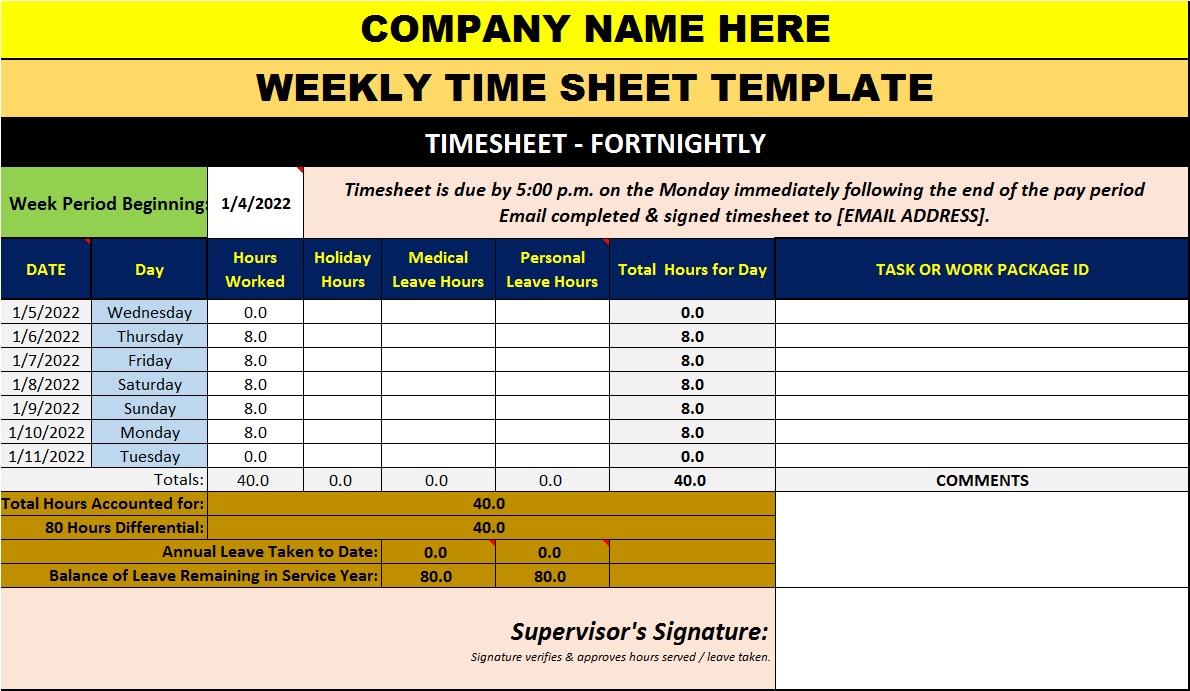
Weekly Timesheet
A weekly timesheet is one of the most popular options. Employees record their hours for each day from Monday through Sunday, usually with a weekly total.
A weekly template provides a convenient overview without requiring employees to complete a separate document every day.
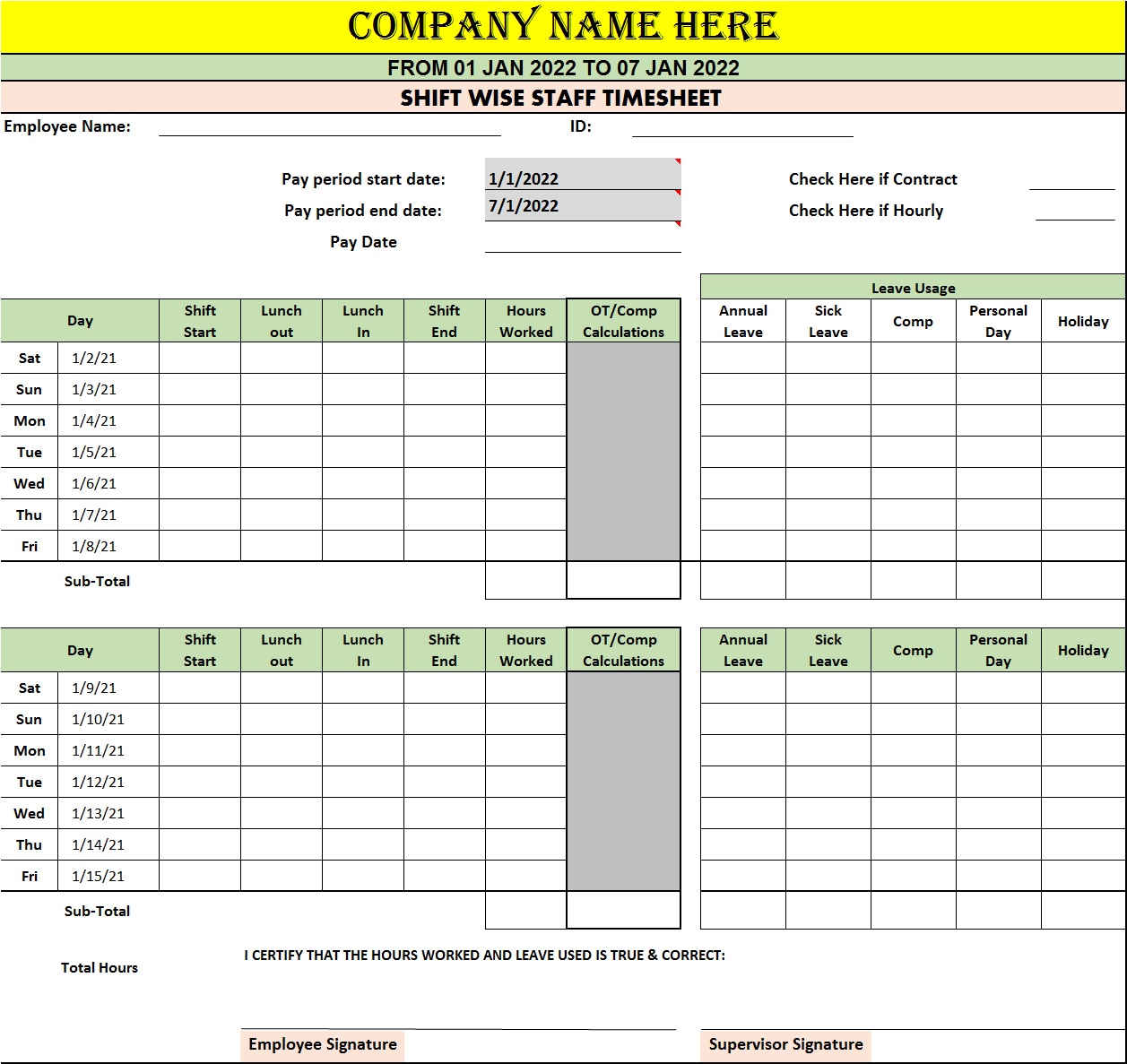
Biweekly Timesheet
A biweekly timesheet covers two weeks and is useful for companies that operate on a two-week payroll cycle. It can reduce administrative work because employees submit one timesheet for the entire pay period.
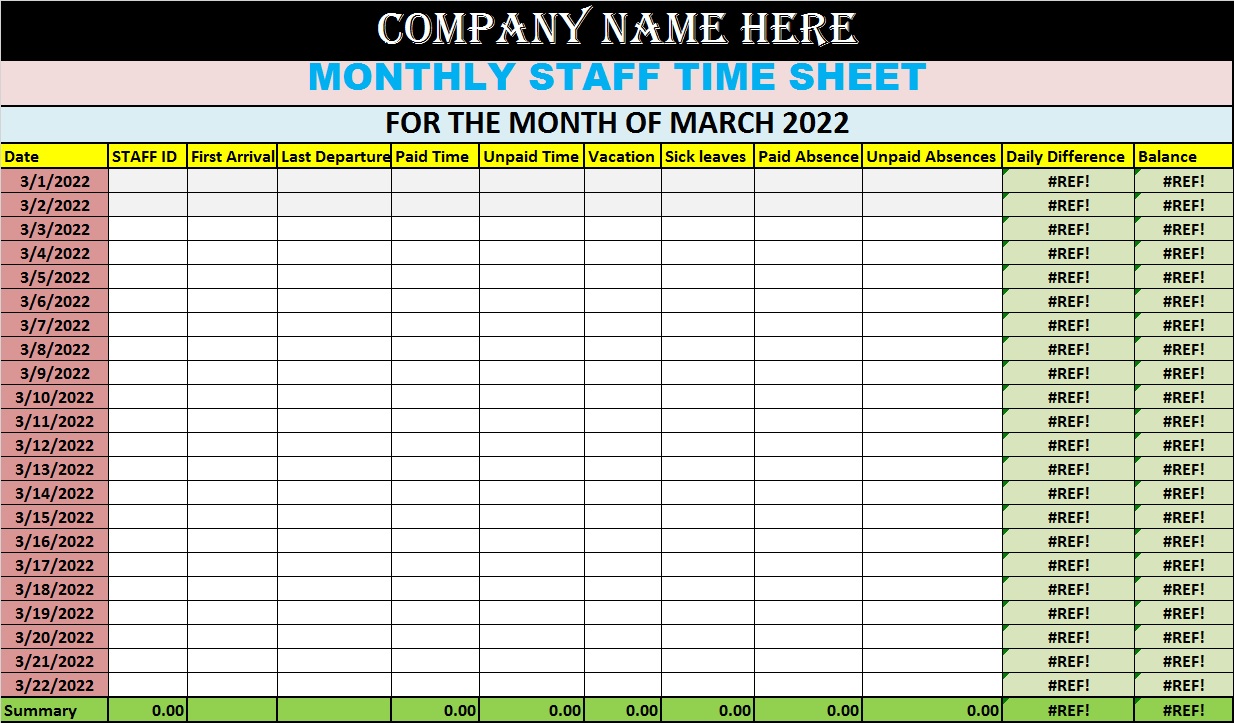
Monthly Timesheet
Monthly timesheets are useful for contractors, freelancers, and employees whose working hours do not need to be reviewed every week. They provide a broader overview of attendance and project work.
Project Timesheet
A project-based timesheet tracks the amount of time spent on individual projects, clients, or tasks. This is particularly useful for consulting companies, marketing agencies, software development teams, architects, engineers, and other professional services.
How to Create an Effective Timesheet Template
Creating a useful timesheet does not require a complicated design. The most important goal is clarity.
Start by determining what information your business actually needs. Avoid adding unnecessary fields because overly complicated forms can discourage employees from completing them correctly.
Next, choose an appropriate reporting period. Weekly and biweekly templates are often practical for payroll, while project-based templates may be better for billing. See also School Timetable Template.
Frequently Asked Questions About Timesheet Templates
1. What is a timesheet template?
A timesheet template is a ready-made document used to record employee working hours, breaks, overtime, projects, and tasks. It can be customized according to a company’s requirements.
2. Why should businesses use timesheet templates?
Timesheet templates help businesses track working hours, calculate payroll, monitor project costs, manage overtime, and maintain consistent employee records. See also Time Contract Template Ideas.
3. What information should a timesheet include?
A typical timesheet includes the employee’s name, date, start and end times, break duration, regular hours, overtime, project or task details, and approval fields.
4. What is the most common timesheet format?
Weekly timesheets are among the most common formats because they provide a convenient overview of an employee’s working hours and can align with weekly payroll processes.
5. Can I create a timesheet template in Excel?
Yes. Excel is widely used for timesheets because formulas can automatically calculate regular hours, overtime, and weekly totals.
6. Can timesheet templates be used for freelancers?
Yes. Freelancers can use timesheets to track billable hours, client projects, tasks, and work completed during a specific billing period.
7. Are timesheet templates useful for remote employees?
Yes. Digital timesheets can help remote teams record working hours and project activities regardless of where employees are working.
8. What is a project timesheet?
A project timesheet records the amount of time spent on specific projects, clients, or tasks. It is particularly useful for businesses that charge clients based on hours worked.
9. How often should employees complete a timesheet?
Employees should ideally update their timesheets daily. Regular updates reduce forgotten entries and improve the accuracy of recorded working hours.
10. Can a timesheet calculate overtime?
Yes. An Excel or Google Sheets timesheet can include formulas that calculate overtime automatically when working hours exceed the organization’s defined standard.
11. Are printable timesheet templates still useful?
Yes. Printable timesheets can be useful for field workers, construction teams, workshops, and workplaces where employees do not have convenient access to computers.
12. How can I make a timesheet easier to use?
Keep the design simple, use clear headings, include only necessary fields, and add automatic calculations when using a digital spreadsheet.