Performance Improvement Plan (PIP) Template – Editable, Printable and Downloadable


When Should a PIP Be Used?
A PIP is typically used when:
-
Performance issues are consistent, not one-off mistakes
-
Informal coaching has not led to improvement
-
Expectations are clear but not being met
-
The organization wants to formally track progress
A PIP should not come as a surprise. Ideally, it follows ongoing feedback and conversations.
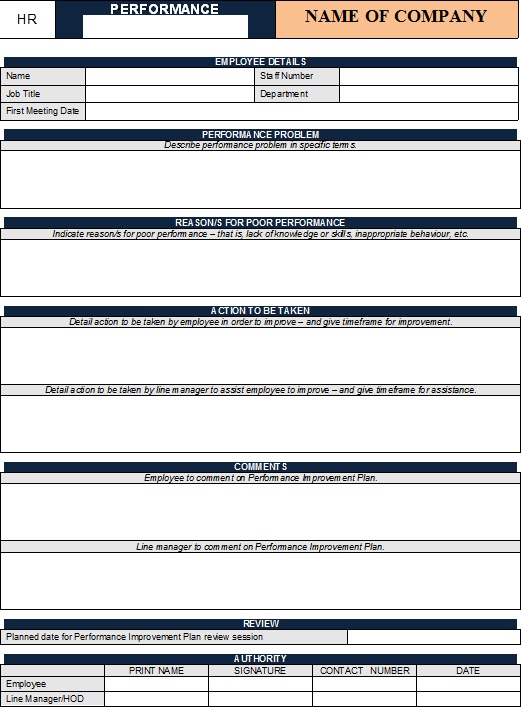
Key Components of a Performance Improvement Plan
An effective PIP includes the following elements:
-
Employee Information
Name, role, department, manager, and date. -
Performance Concerns
A factual description of the performance gaps, supported by examples. -
Expected Performance Standards
Clear explanation of what “successful performance” looks like. -
Improvement Goals
Specific, measurable, achievable, relevant, and time-bound (SMART) goals. -
Action Plan
Steps the employee will take to improve performance. -
Support and Resources
Training, coaching, tools, or mentorship provided by the company. -
Timeline and Review Dates
Start date, end date, and scheduled check-ins. -
Consequences of Non-Improvement
Transparent explanation of potential outcomes if goals are not met. -
Acknowledgment and Signatures
Signatures from the employee and manager to confirm understanding.
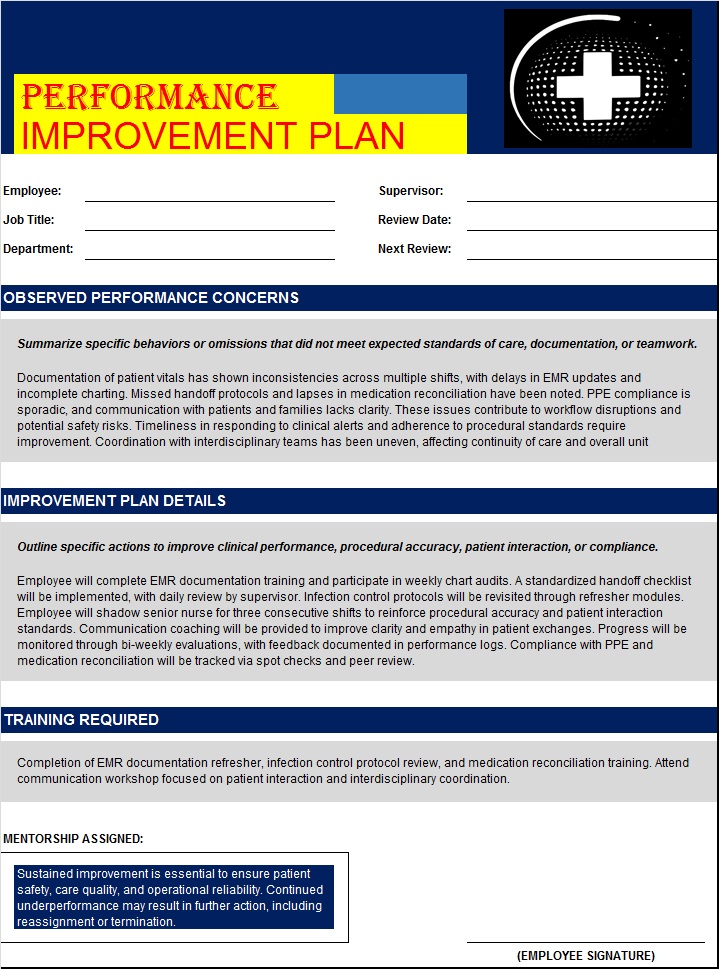
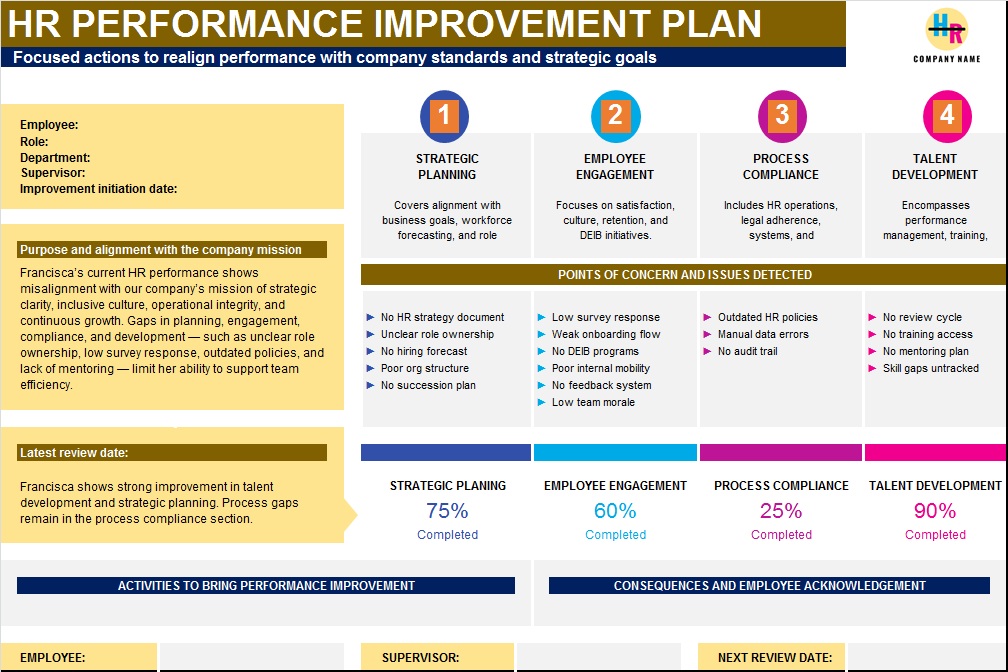
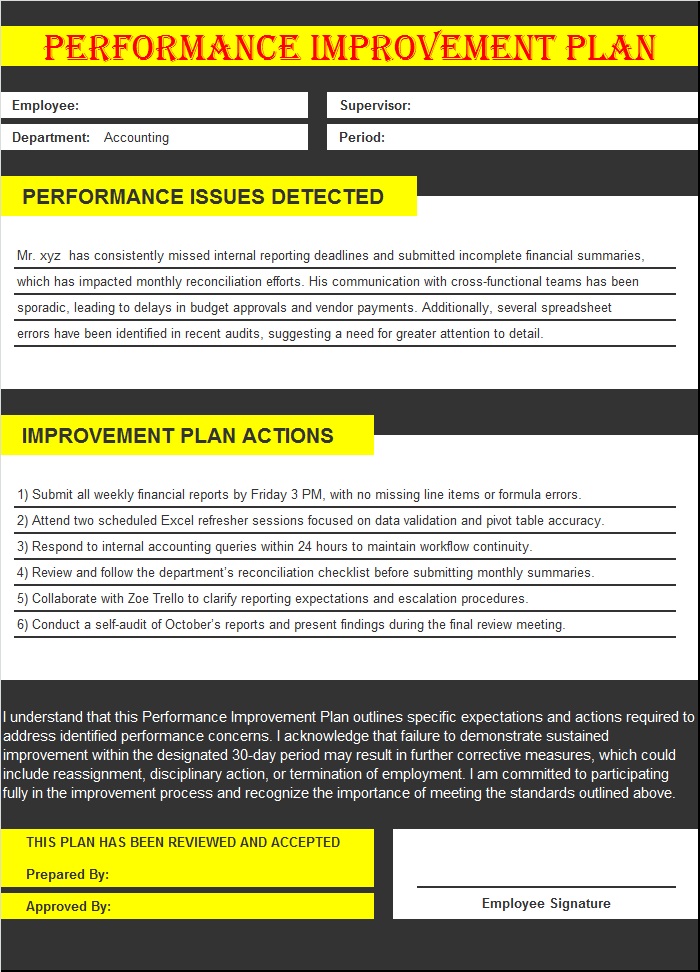
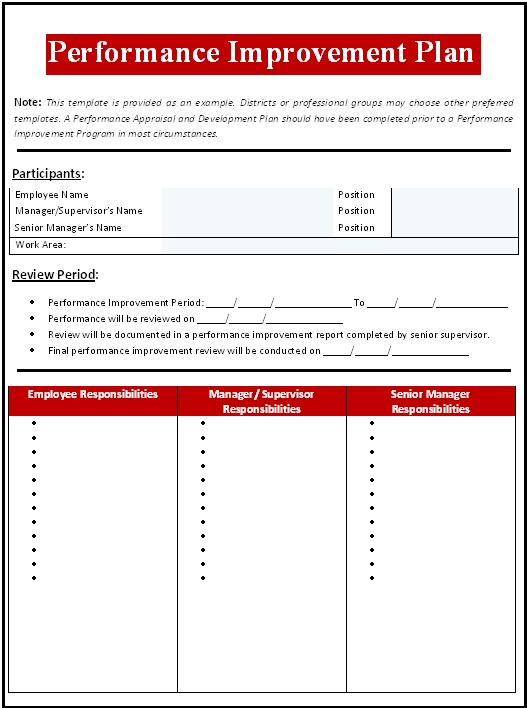
PIP Sample:

Best Practices for Using a PIP
-
Keep the tone objective and supportive
-
Focus on behaviors and results, not personality
-
Provide regular feedback during the PIP period
-
Document all discussions and progress
-
Treat the PIP as a genuine opportunity for success
How To Edit And Download Performance Improvement Plan Sample?
A well-designed Performance Improvement Plan benefits both employees and employers. It provides clarity, structure, and fairness while encouraging accountability and professional growth. By using a clear template and a supportive approach, organizations can turn performance challenges into meaningful improvement opportunities.
All the template designs are completely edit friendly. You can edit, alter and use any of the template that you like. Make sure to have MS Office installed in your system before further working. Download it by clicking the free ” Download” button below each template. Once installed, edit it according to your requirement. Save it and there you go!
Project Improvement Plan Template: