Free Report Templates

Free Business, Work, Office Report Templates

Best 9 Investment Tracking Spreadsheet Templates

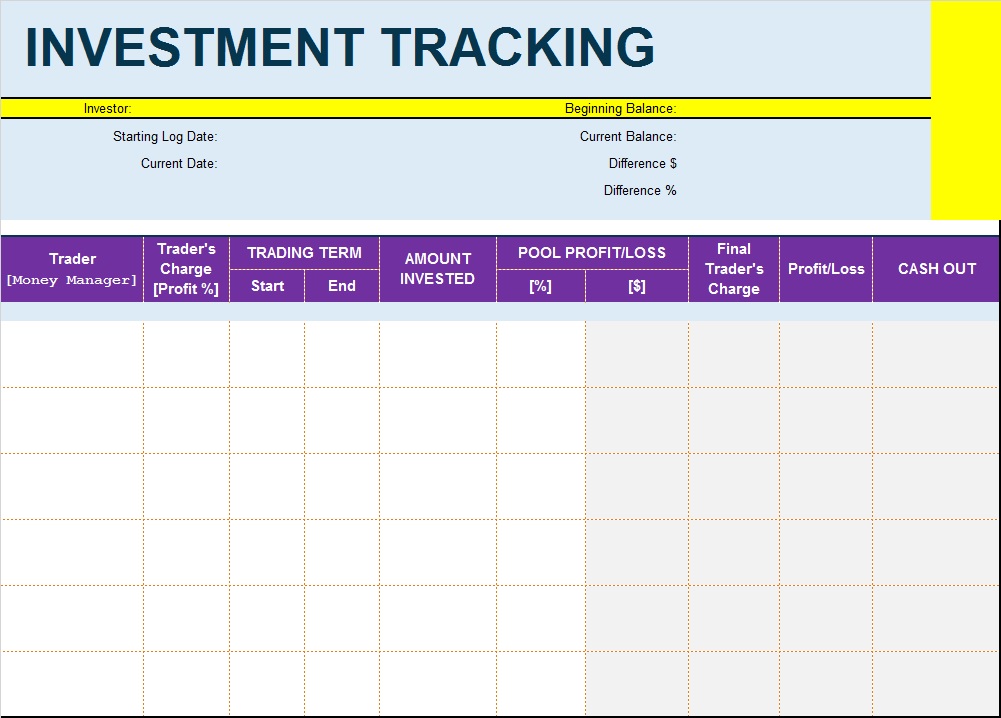
Today’s business is about investments and accounts. Many organizations invest their money into one or many projects to keep their money safe and multiply. Best 9 Investment Tracking Spreadsheet Templates can help you maintain and organize one or many of your investments. 

Track Your Investments Through Best Investment Spreadsheets:

Managing investments can be a daunting task, especially for those with multiple assets and accounts. Staying on top of performance, fess, and tax implications can be overwhelming. The following post contains Best Investment Tracking Spreadsheet Templates for your help and guidance. You can use, edit and download any of the template that you like by following the instructions given below. See also Work Plan Template.

Why Use an Investment Tracking Spreadsheet?

Before diving into the templates, let’s understand why investors prefer spreadsheets:

  • Easy customization according to investment goals ( MIS Reports)
  • Complete control over financial data
  • Better portfolio analysis and reporting
  • Cost-effective alternative to premium software
  • Ability to track multiple asset classes in one place
  • Enhanced budgeting and financial planning
Benefits Of Investment Tracking Spreadsheet Samples:

An investment tracking spreadsheet can simplify this process, providing a clear and comprehensive view of your investment and money portfolio. The Investment Tracking Spreadsheet may help you…

  • Organization: Consolidate all your investment information in one place.
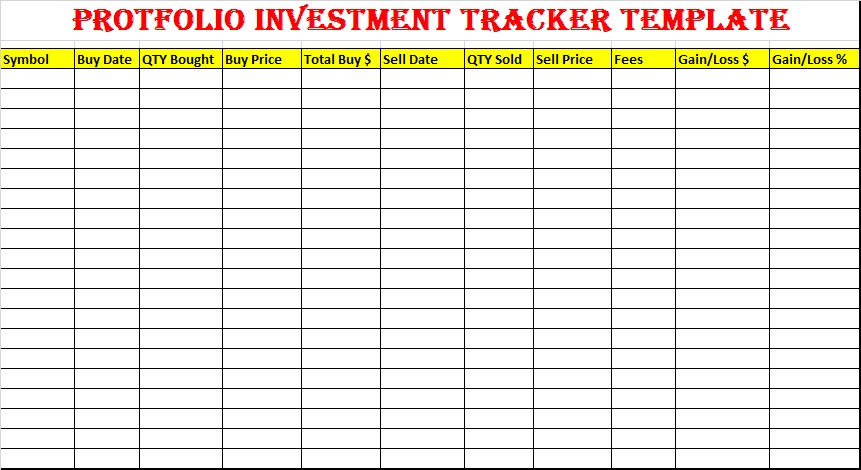
  • Performance monitoring: Track returns, dividends, and interest across all assets.
  • Fees and expenses: Record management fees, trading costs, and other expenses.
  • Tax optimization: Identify tax implications and opportunities for optimization.
  • Goal-based investing: Align investment with specific goals, such as retirement or education.

How To Make An Investment Portfolio Worksheet?

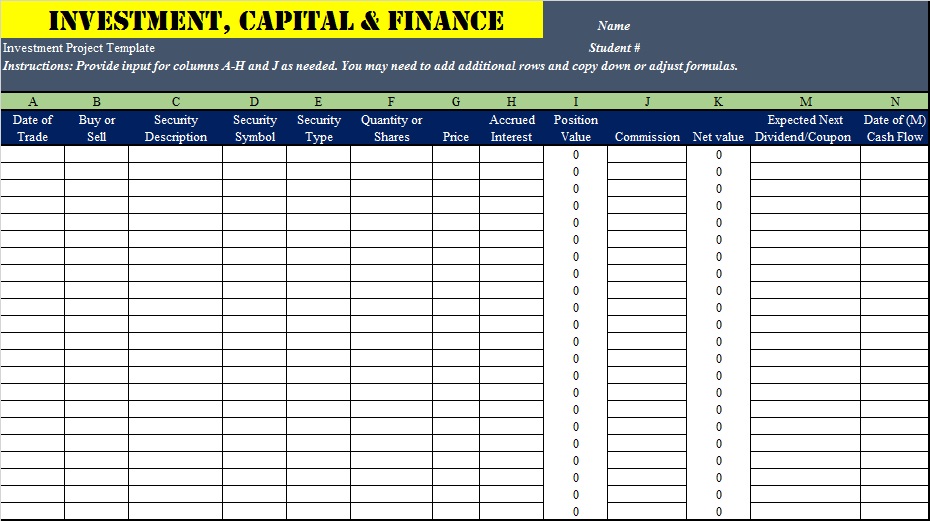
This Spreadsheet can be a powerful tool to simplify investments and money management. Making an Investment Spreadsheet includes setting up asset categories. Create columns for assets types i.e. stocks bonds, etc. Next comes your account information. Give detailed account information like numbers, tax status, etc.

Include a column for returns, dividends, and interests. This helps to give an overall look at your position now and how you see yourself in the coming years.

Making an Investment Tracking List from scratch can daunting. We recommend you use a ready-made one. Here you can see Best 9 Investment Worksheet. All provide you with enough information and strategies to boost and manage your investment. 

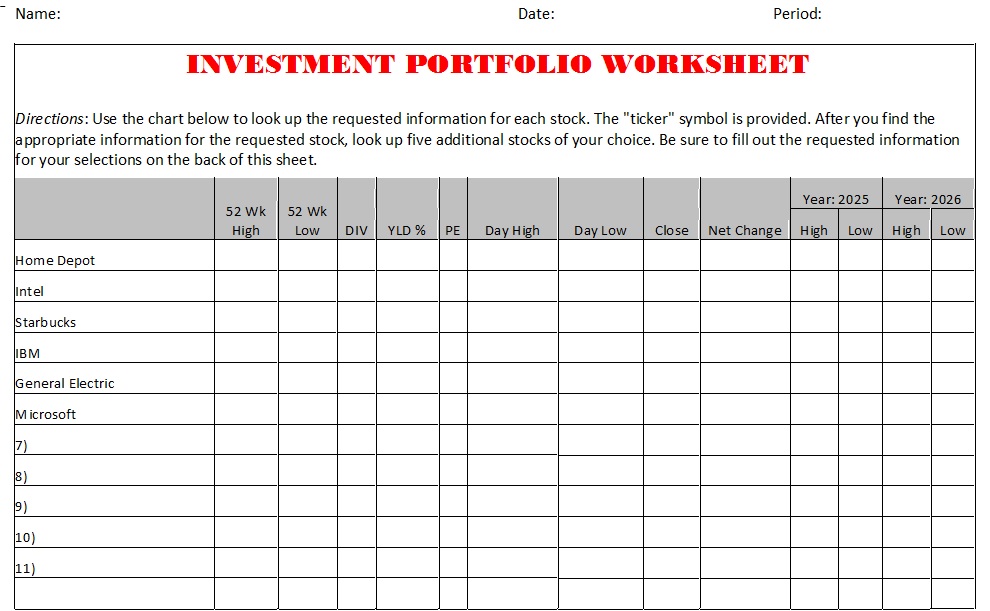
Investment Portfolio Worksheet Templates:
Key Features of An Investment Tracking Spreadsheet Examples:

Apart from organizing and arranging your assets, and accounts, an investment spreadsheet helped to categorize your investments. It separate accounts for tax purposes i.e. taxable, tax-deferred, etc. You can also calculate capital gains, dividends and interest for tax purposes. By consolidating tracking spreadsheet is a powerful tool for simplifying your finance and money management. You can make informed decisions and optimize your investment strategy. By following these tips, and instructions, you can create a comprehensive and effective investment tracking spreadsheet that helps you achieve your financial goals.

Download Free Investment Tracker Templates:
Frequently Asked Questions (FAQs)

1. What is an investment tracking spreadsheet?

An investment tracking spreadsheet is a tool used to monitor and manage investment portfolios. It helps investors track asset values, returns, dividends, capital gains, and overall portfolio performance in one organized document.

2. Why should I use an investment tracking spreadsheet?

Investment tracking spreadsheets provide better visibility into your financial assets, help you analyze portfolio performance, monitor diversification, and make informed investment decisions without relying solely on third-party apps.

3. Can I track multiple types of investments in one spreadsheet?

Yes. Most investment tracking templates allow you to track various asset classes, including stocks, bonds, mutual funds, ETFs, real estate, retirement accounts, and cryptocurrencies in a single dashboard.

4. Are investment tracking spreadsheets better than investment apps?

It depends on your needs. Spreadsheets offer greater customization and control over your data, while investment apps provide automation and real-time updates. Many investors use both for comprehensive portfolio management.

5. Which spreadsheet software is best for investment tracking?

Popular options include Microsoft Excel, Google Sheets, and Apple Numbers. Google Sheets is especially useful because it allows cloud access, collaboration, and integration with financial data functions.

6. How often should I update my investment tracking spreadsheet?

For long-term investors, updating the spreadsheet monthly is usually sufficient. Active traders may prefer weekly or daily updates to monitor portfolio performance more closely.

7. Can investment tracking spreadsheets calculate gains and losses automatically?

Yes. Most templates include formulas that automatically calculate realized gains, unrealized gains, total returns, percentage growth, and portfolio value based on entered data.

8. How do dividend tracking spreadsheets work?

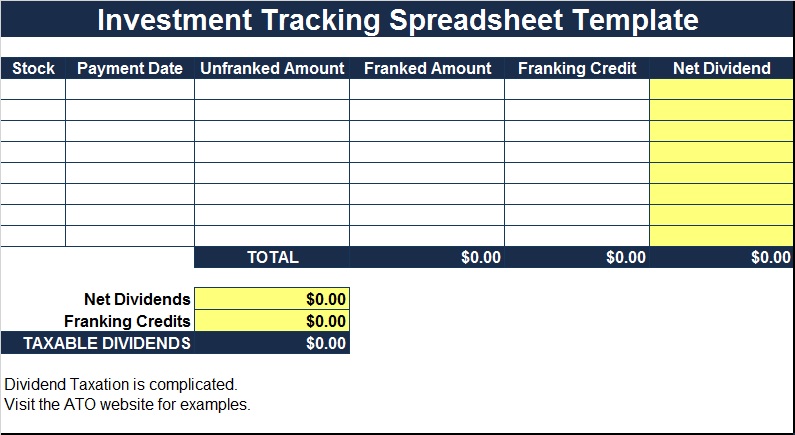
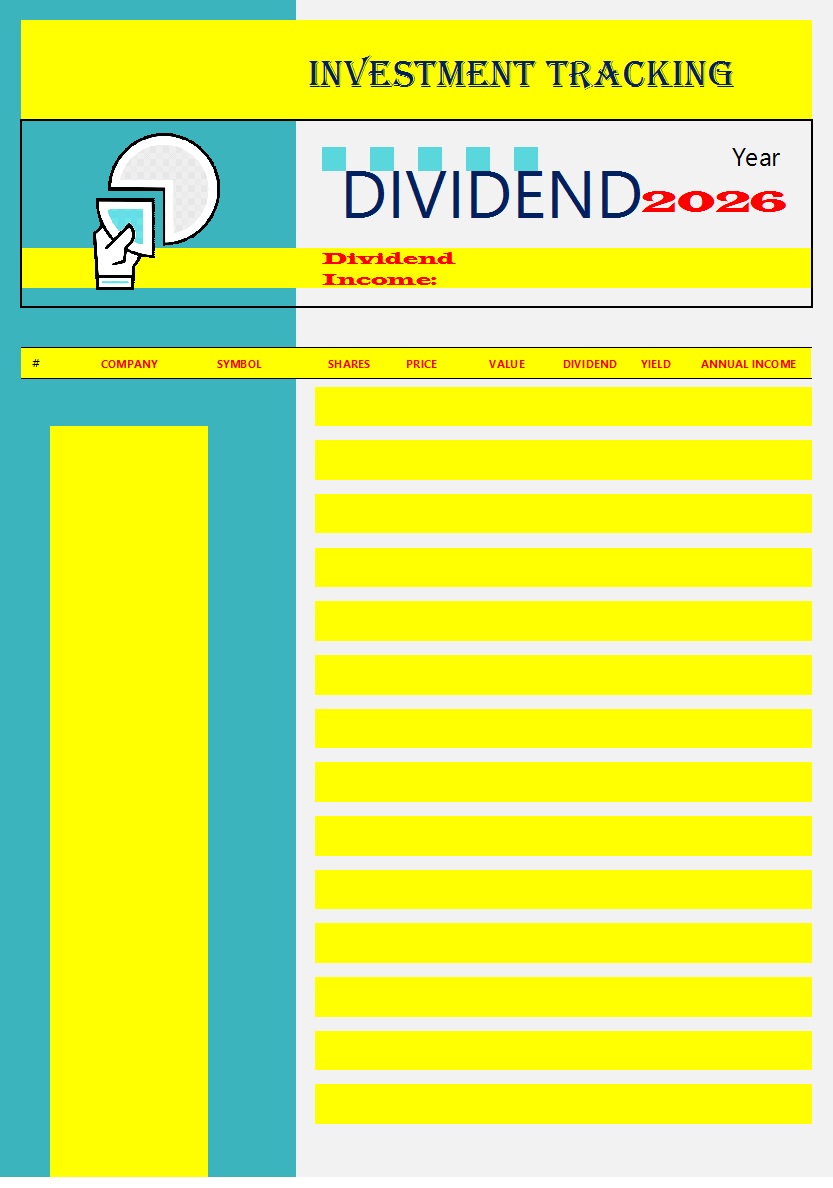
Dividend tracking spreadsheets record dividend payments, dividend yields, payment dates, annual income, and dividend growth rates. They help income investors estimate future passive income.

9. Are free investment tracking spreadsheet templates available?

Yes. Many free templates are available online for Excel and Google Sheets. These templates range from simple portfolio trackers to advanced investment dashboards with automated calculations.

10. Can I track cryptocurrency investments using a spreadsheet?

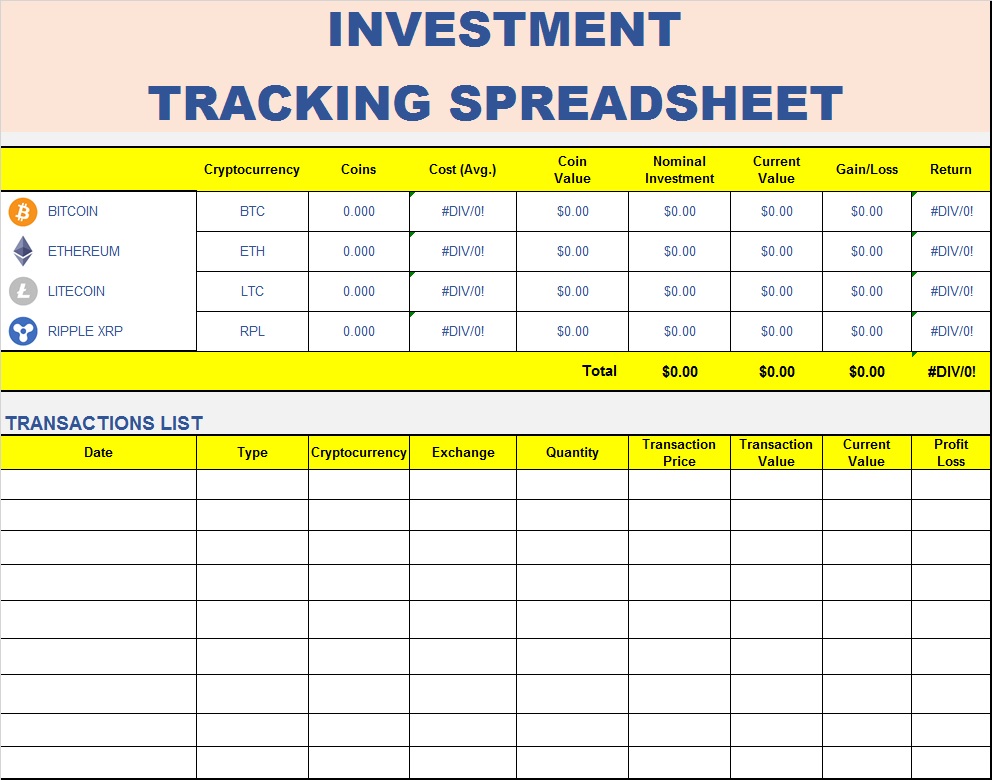
Absolutely. Cryptocurrency portfolio spreadsheets can track coin holdings, purchase prices, current values, transaction fees, profits, losses, and overall portfolio allocation.

11. What features should I look for in an investment tracking template?

Key features include automatic calculations, performance dashboards, asset allocation tracking, dividend monitoring, historical performance reports, goal tracking, and customizable categories.

12. How can an investment spreadsheet help with portfolio diversification?

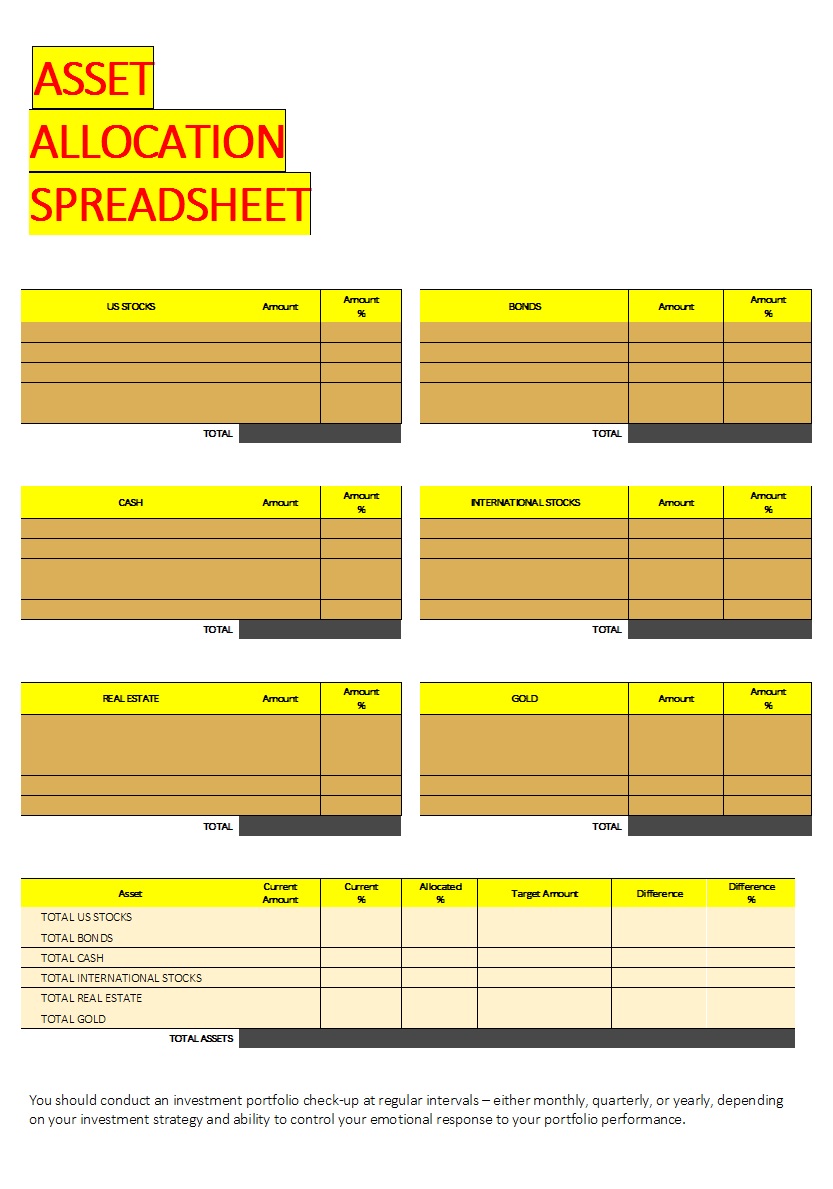
An investment spreadsheet shows the percentage allocation of different asset classes, helping investors identify overexposure to specific sectors and maintain a balanced portfolio.

13. Can investment tracking spreadsheets help with tax preparation?

Yes. By maintaining detailed records of purchases, sales, dividends, and capital gains, investment spreadsheets make it easier to prepare tax documents and calculate taxable income.

14. Is Google Sheets suitable for investment tracking?

Yes. Google Sheets is a popular choice because it is free, cloud-based, accessible from any device, and can pull financial data automatically using built-in functions and integrations.

15. What is the best investment tracking spreadsheet for beginners?

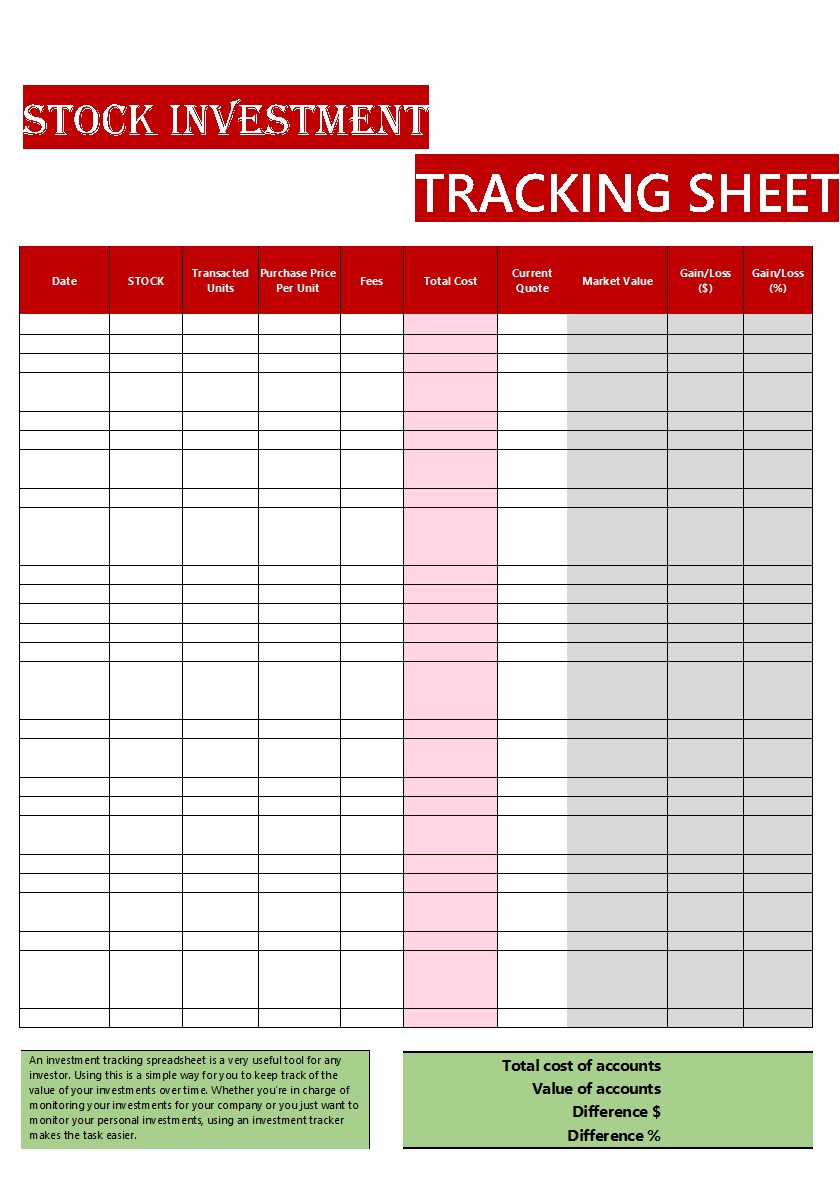
A Portfolio Performance Tracker or Stock Investment Tracker is often the best option for beginners because these templates are easy to use and provide a clear overview of investment performance without unnecessary complexity.