Stock Report Template
What Is A Stock Report Template?
A stock report plays an important role in investment goals and/or planning, a Stock Report plays a very important role. A Stock Report is a collection of information prepared by an analyst to help the investors invest in the right place/organization. The template that we have prepared has ample information and entities for a general Stock Report. See also Stock Summary Report.
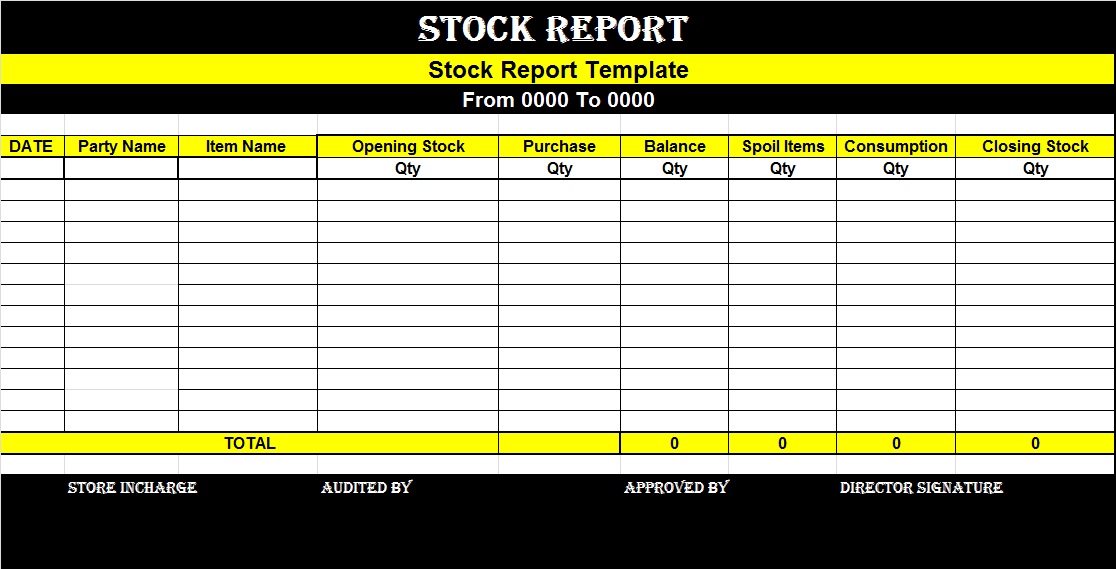

For example, a basic stock report may contain:
- Product or item name
- Product ID or SKU
- Opening stock
- Stock received
- Stock sold or issued
- Closing stock
- Unit price
- Total stock value
- Reorder level
- Supplier information
- Report date
Key Points Of Making Stock Report?
Financial accounts reports come in with delicacies. The reports need to be meticulous. You are required to pay attention to every detail. There are some key points in making a Stock Report that you cannot forgo. For example the P/B ratio, your growth ratio, the dividend yield, etc. You need to have up-to-date knowledge and information about the stock exchange. You can utilize our Free Stock Report Templates to avoid any errors or mistakes. Also, see Material Issue Report Template.
Make Your Stock Report In Minutes With Our Perfect Templates:
Our Free Stock Report Templates have all that you need to make your perfect report. You can download any template that you like from the link given below the preview. Open it in MS Excel. Amend it by adding or removing data. You can always alter the theme design of the template to make your report more unique and personalized. and finally, add in your references and signatures. And you are done!
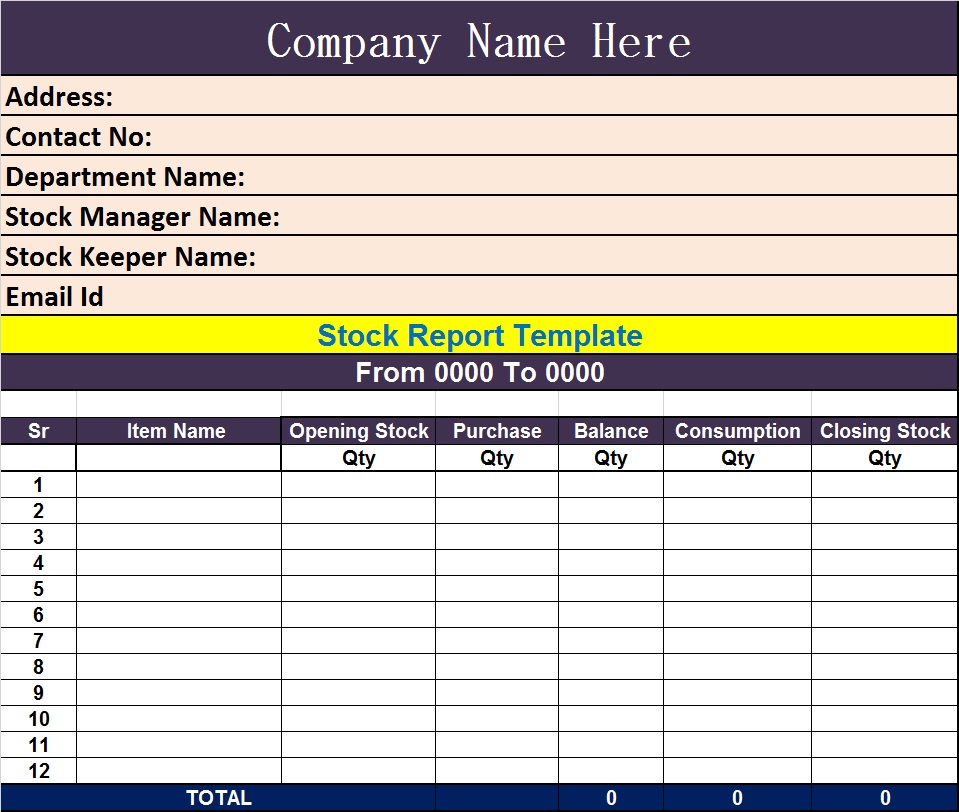
Here is the preview of the Stock Report Template created in MS Excel.
Free Stock Report Template:
Key Features of a Stock Report
A professional stock report should contain information that helps users understand the complete movement of inventory.
1. Product Information
The report should identify each item clearly. Common fields include product name, SKU, item number, category, brand, or description.
2. Opening Stock
Opening stock represents the quantity available at the beginning of a reporting period. It provides the starting point for calculating inventory changes.
3. Stock In
This section records products received from suppliers, manufacturers, or other locations during the reporting period.
4. Stock Out
Stock-out information records products sold, delivered, transferred, damaged, or otherwise removed from inventory.
5. Closing Stock
Closing stock represents the remaining inventory at the end of the reporting period. It can be calculated using the opening quantity and inventory movements.
6. Reorder Level
A reorder level helps businesses identify when additional stock should be purchased. This can prevent popular products from becoming unavailable.
7. Stock Value
Businesses can also include unit costs and total inventory value. This is particularly useful for financial analysis and inventory valuation. Also see Inventory Summary Report.

Benefits of Using a Ready-Made Stock Report Format
A ready-made stock report format offers several advantages over creating a new document from the beginning.
Easy to use: Employees can begin entering information immediately.
Professional appearance: A structured report looks organized and is easier for managers to review.
Better record keeping: Consistent reports make it easier to maintain historical inventory records.
Faster analysis: Important stock information can be found quickly.
Customizable: Businesses can add or remove columns based on their specific inventory requirements.
Reduced errors: Predefined fields help employees avoid forgetting important information.
Tips And Tricks To Edit Stock Report Templates:
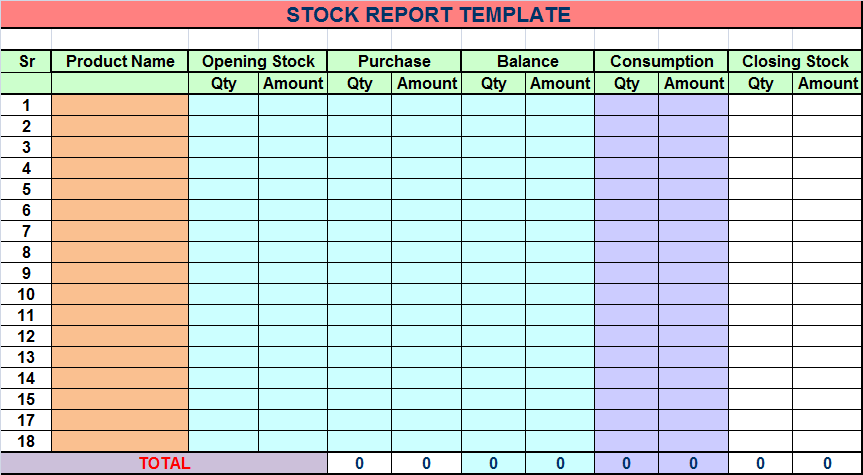
We have created a general and easy-to-use report template for Stock Report. It is created in MS Excel, it is basic and can accommodate any extra information that you may need. With proper guidelines, anyone with little or no knowledge of MS Excel can use and make a professional report with this template. You can download the free report template from the link given below and customize it according to your procedures.