Ticket Template: Guide And Ready-made Template
A ticket template is a pre-designed format used to collect and organize important information about a customer request, technical issue, service problem, or support inquiry. Ticket templates help businesses save time, improve communication, and ensure that support teams receive all the information they need to resolve an issue efficiently.
What Is a Ticket Template?
A ticket template is a standardized structure that users or support agents can follow when creating a ticket. Instead of writing every request from scratch, the template provides specific fields for details such as the subject, description, priority, customer information, and expected resolution.
Ticket templates are commonly used by customer service teams, IT departments, help desks, maintenance teams, and online service providers.
Why Are Ticket Templates Important?
Using a ticket template offers several benefits:
- Saves time: Users can quickly provide information without creating a ticket from scratch.
- Improves organization: Every ticket follows a consistent format.
- Reduces missing information: Important details can be requested through predefined fields.
- Speeds up problem resolution: Support agents have the information they need from the beginning.
- Improves customer service: Clear and organized tickets make communication easier.
- Makes ticket management easier: Teams can categorize, prioritize, and track requests more effectively.
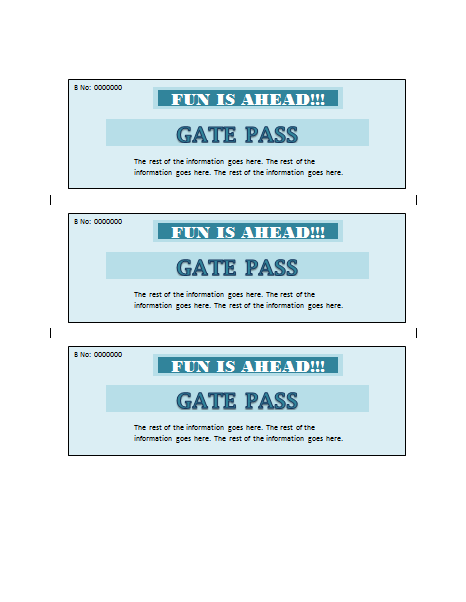
Ticket Template:



Best Practices for Creating a Ticket Template
When designing a ticket template, keep it simple and focused. Ask only for information that is genuinely useful to the support team. Too many fields can make the process frustrating for users.
Use clear labels and provide examples where necessary. If different types of requests require different information, consider creating separate templates for technical support, billing, account issues, feature requests, and general inquiries.
It is also useful to include priority and category fields so tickets can be automatically routed to the appropriate team.